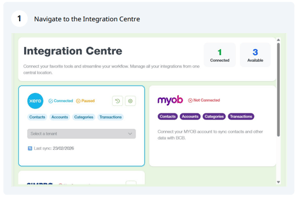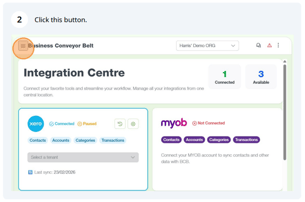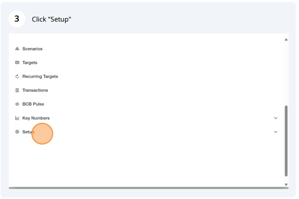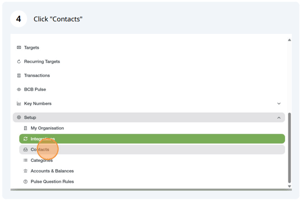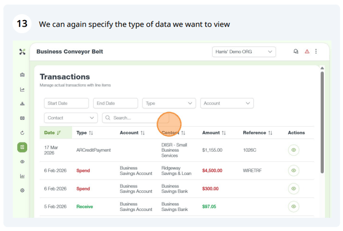
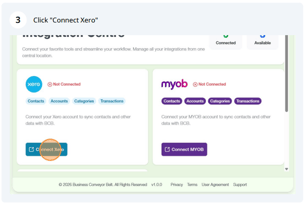
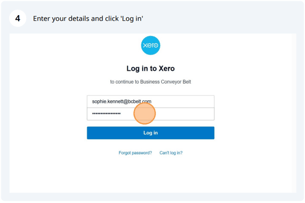
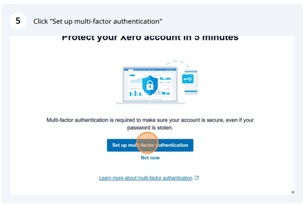
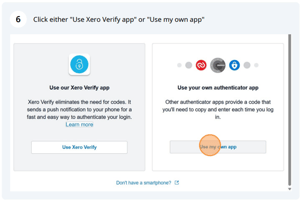
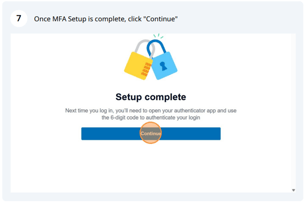
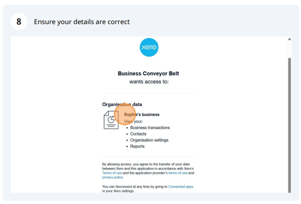
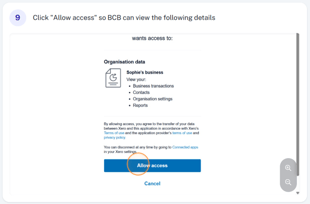
- Navigating to Xero, the integration process and multi-factor authentication enablement.
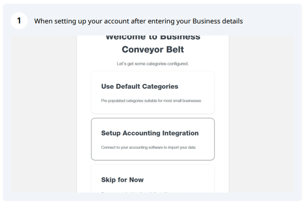
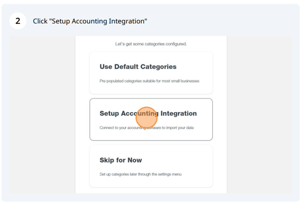
- How different settings impact integration behaviour
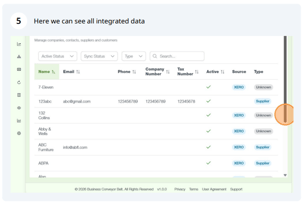
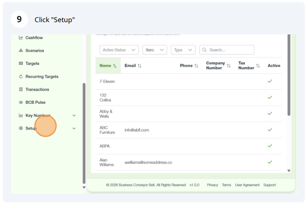
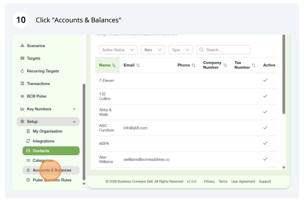
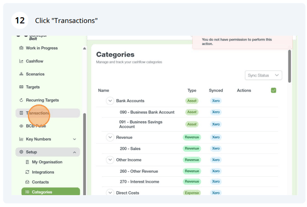
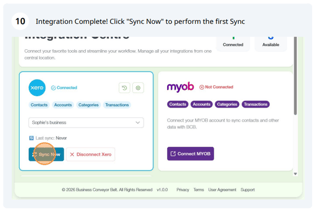
Xero is integrated with Contacts, Accounts and Categories areas within the Setup Section of the Menu, while transactions are viewable from the main menu. This can be seen from the integration centre.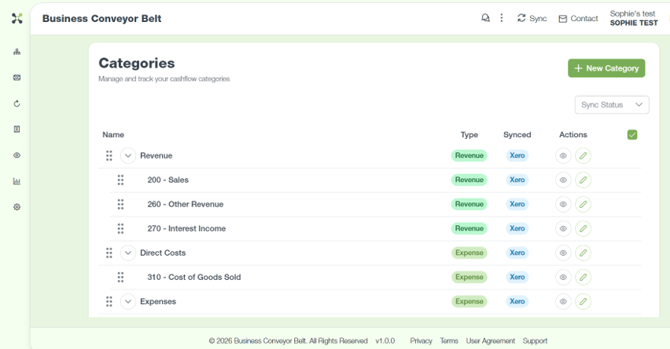
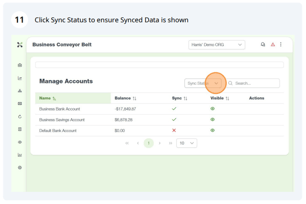
Areas which are integrated with Xero can be seen with a ‘Xero’ symbol under ‘Synced’, e.g. The Categories section
- How filters work
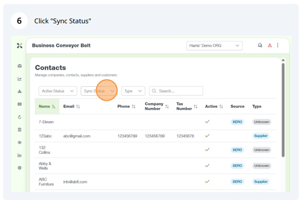
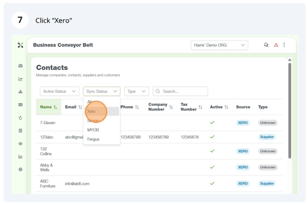
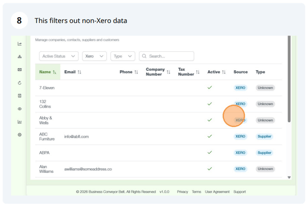
Below are some examples on how filters are used on BCB