- What are categories in BCB?
Categories group income and expenses, and define how they behave in forecasts
- How do categories affect my forecast?
Correct categorisation ensures income and expenses are timed and classified accurately - Can I edit categories?
Yes. You can create and edit your own categories. However, you cannot edit a category which is synced from an integration. - Can I hide categories?
Yes. By selecting the 'Eye' icon in categories, you are able t remove a category from being shown in cashflow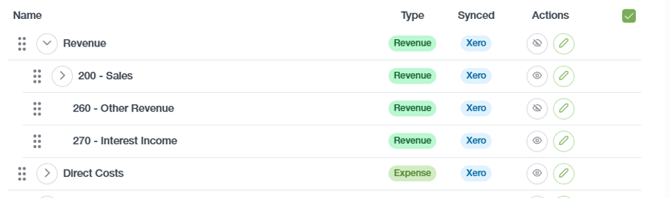

- What happens if categories are incorrect?
Incorrect categories may lead to misleading forecasts and insight. Ensure integrations are regularly updated and synced to prevent this from occurring. - Are categories synced from my integrations?
Yes, categories from your integrations are synced to BCB. However, you are only able to edit these from the integrations themselves, not within BCB. - Can I create custom categories?
Yes. You are able to create custom categories as need. Simply click ‘New category’ in the top right corner on the Categories page.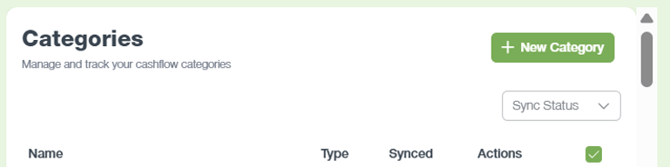
English - Australia